![logosimple.png]](https://kb.iprod.it/hs-fs/hubfs/logosimple.png?height=40&name=logosimple.png)
A step by step guide to hoe we start a work process
- Click on

- Type the PO Number in the Search field at the top right and press Enter
That is what you see
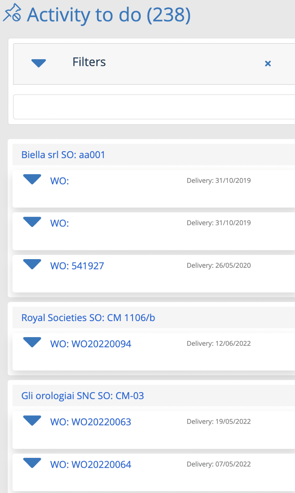
- Click on
 to expand WO details
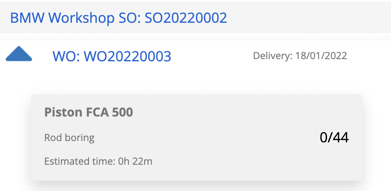
- Choose a machine to assign phase from the machinery list on the left.
- Click on the phase tab, hold it down and drag it to the machinery box
In parallel 
In sequence 
- Drop WO by releasing the mouse
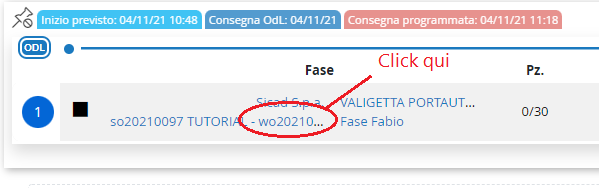
- On the form generated under the chosen machinery, click on the link of the Work Order Number
The Work Orders page opens
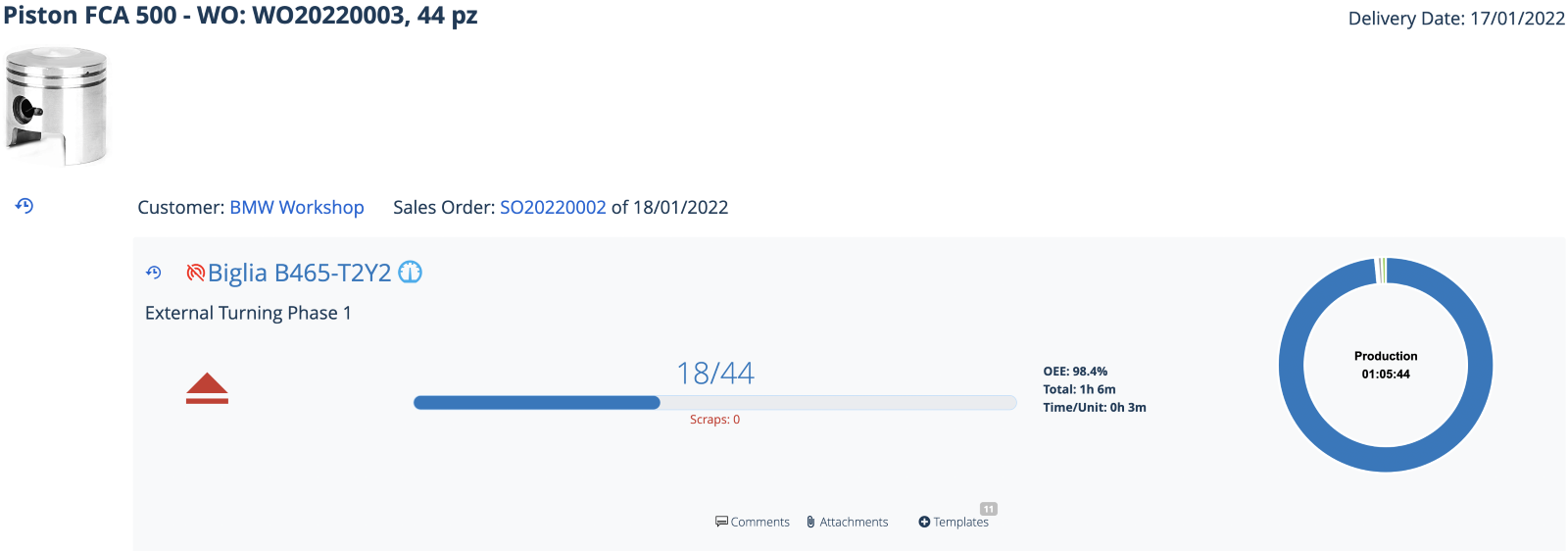
- Click on triangle to start production

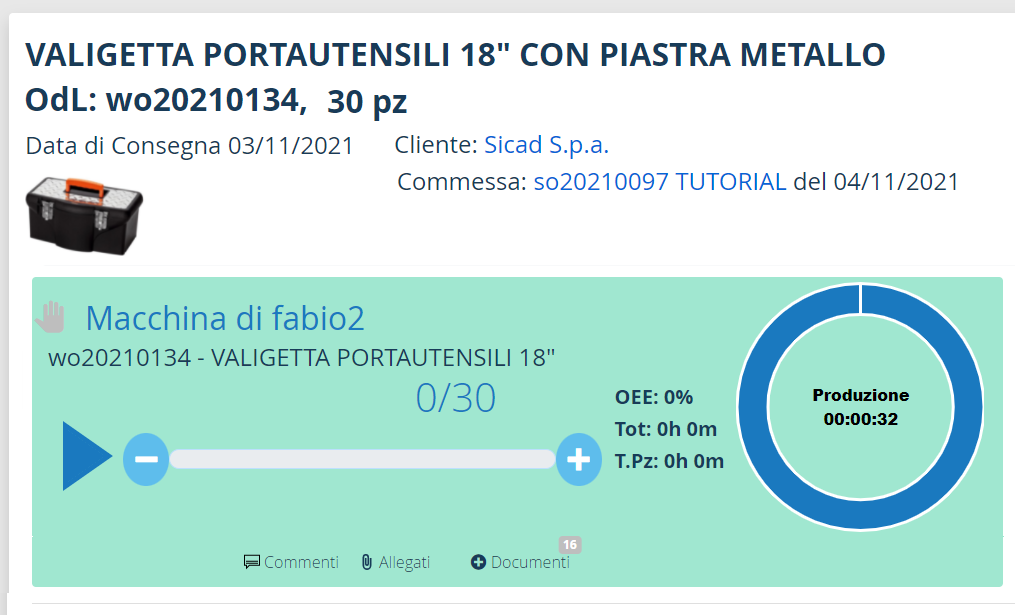
From this moment on, we will see the estimated and actual production progress on the references of this work order as well as the progressive cost / time / revenue summary.