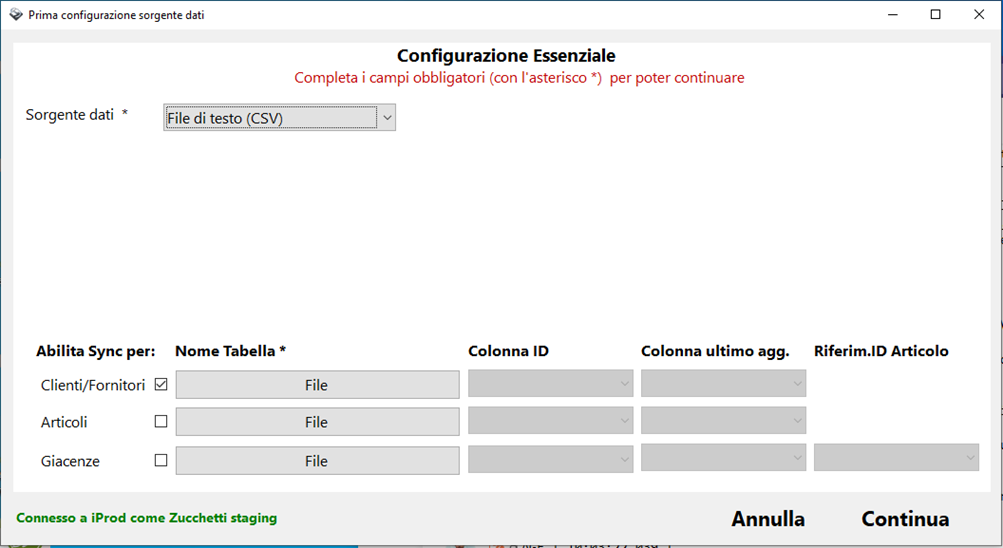
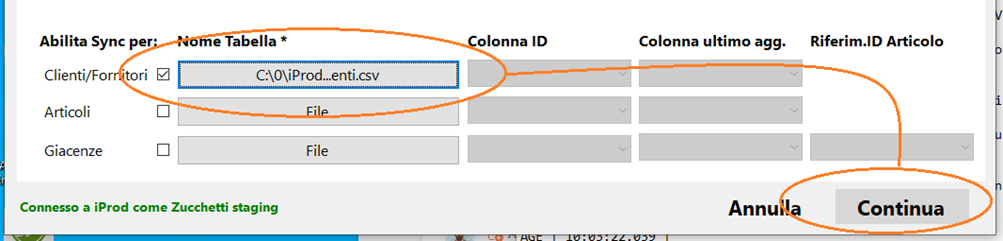
iProdSync: CSV as Data Source How can I transfer CSV files to iProd? Simply set Text File (CSV) as the data source.Click the File button corresponding to the archive.
![logosimple.png]](https://kb.iprod.it/hs-fs/hubfs/logosimple.png?height=40&name=logosimple.png)