![logosimple.png]](https://kb.iprod.it/hs-fs/hubfs/logosimple.png?height=40&name=logosimple.png)
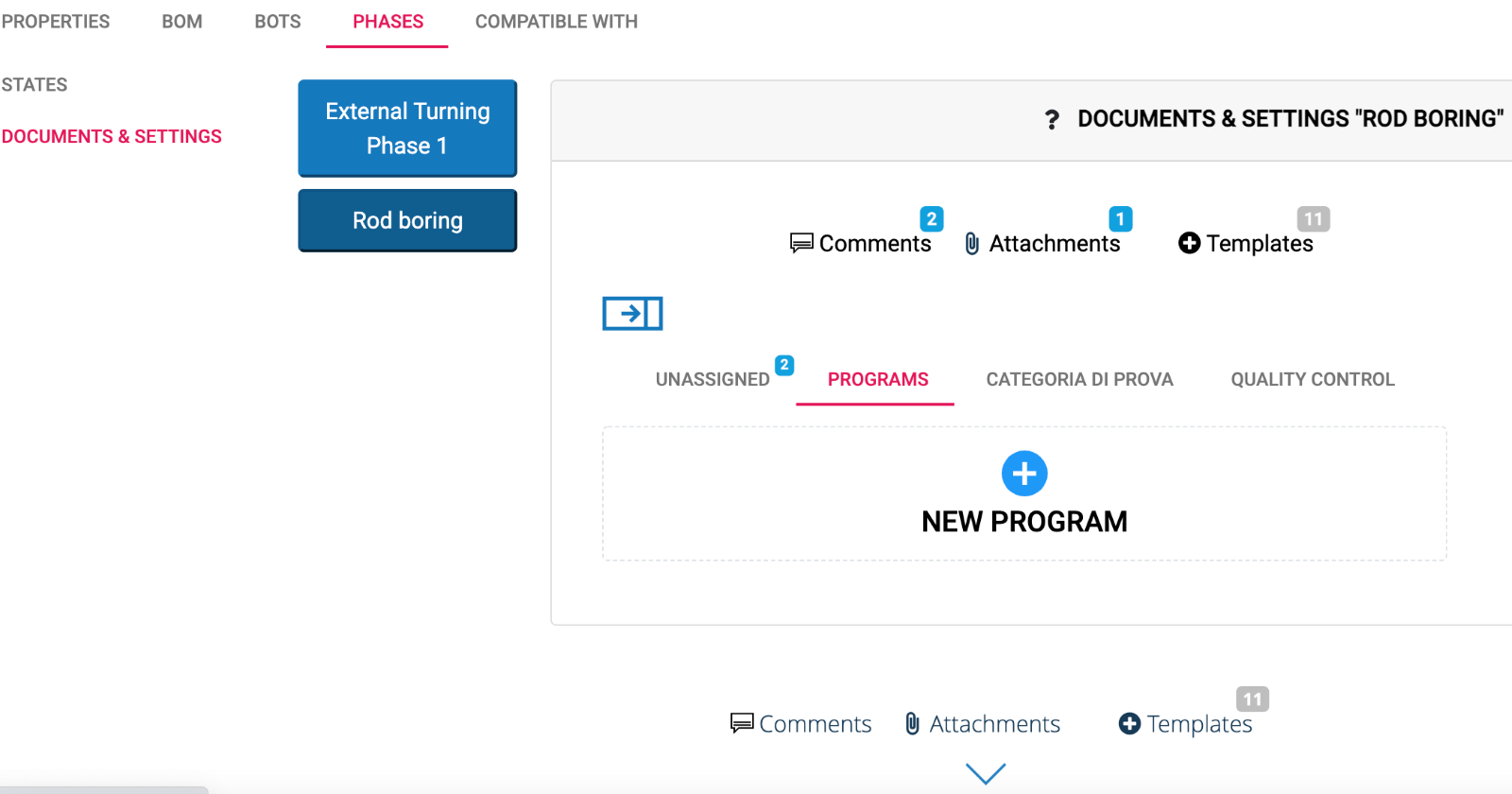
- Click on Tab Phases then Documents & Settings
- Click on the phase on interest form the list
- Clicking on
 a section dedicated to posts and comments expands underneath
 - Clicking on PROGRAMS a button for inserting a new program appears
A popup appears, where it is possible to select a file of any type.
Upon saving, the inserted program is categorized under programs as if it were a regular post/comment.
For part programs to be transferred to the machine, it must be one of the known programming languages.
See also: Recommendations on the Part Program Name.